WordPress to Shopify blog, without the copy and paste
Your blog is on WordPress and your shop is on Shopify. PugSync brings your WordPress posts into your Shopify store blog, so shoppers can read them on your domain. Import what's there now, then keep syncing new posts as you write them.
 Install on Shopify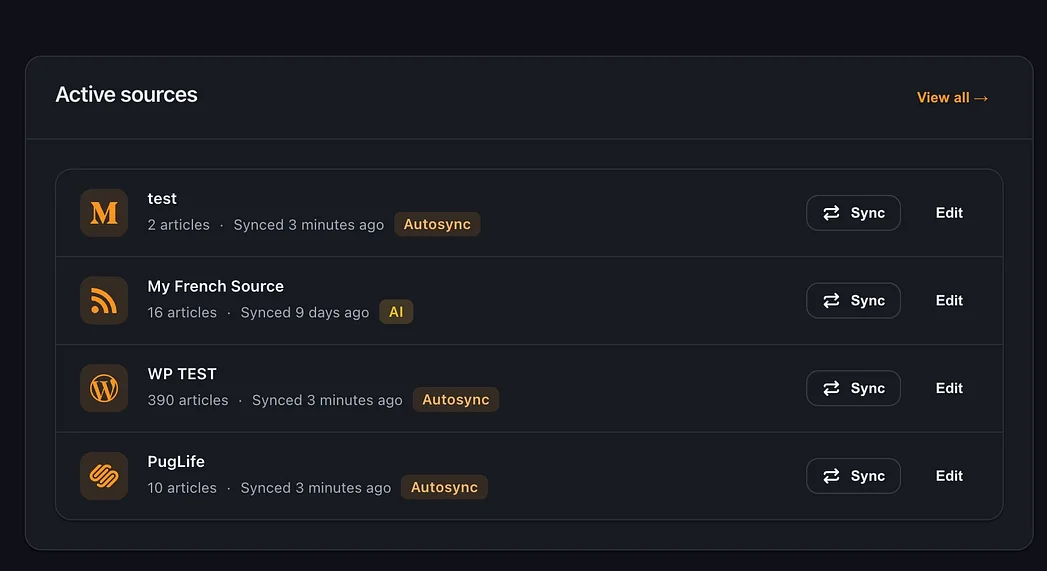
Import your WordPress blog to Shopify
Paste your WordPress feed URL into PugSync. For most sites that's yoursite.com/feed. Pick the Shopify blog the posts should go into, then publish them or import them as drafts. Drafts are handy if you want to read through everything first.
Two WordPress settings worth checking first
PugSync reads your blog's feed, so what comes across is what the feed gives it. In WordPress, go to Settings, then Reading.
- "Syndication feeds show the most recent" sets how many posts the feed carries. Raise it if you want more of the archive.
- "For each post in a feed, include" should be set to Full text. If it's set to Excerpt, the feed only carries a summary of each post.
Sync WordPress posts to Shopify as you publish
Keep writing in WordPress if you like. On Starter and Pro, AutoSync checks your feed on a schedule and brings new posts into your store blog. On Free you press sync yourself.
Images
On Starter and Pro, images are hosted on our CDN, so they stay up even if the original WordPress post moves. On Free, images still link to your WordPress site.
Plans
Free
$01 source, 4 articles a month, manual sync, no card.Starter
$7.99 a month or $79.99 a yearUnlimited articles, up to 10 sources, AutoSync, CDN images, analytics.Pro
$14.99 a month or $149.99 a yearEverything in Starter plus optional AI, off by default.FAQ
Do I have to stop using WordPress?
No. You can keep writing in WordPress and let AutoSync on Starter and Pro bring each new post across.
Can I import my WordPress posts as drafts?
Yes. Choose drafts when you set up the source, then publish when you're ready.
What if I uninstall PugSync later?
Imported posts stay in your Shopify blog unless you delete them.
Why didn't every old post come across?
Your WordPress feed only carries a set number of recent posts. Raise "Syndication feeds show the most recent" under Settings, then Reading, and sync again. On Free, you can import 4 articles a month, so sync again next month or upgrade to bring the rest across.
Can I bring in more than one WordPress blog?
Yes. Starter and Pro take up to 10 sources.

Bring your WordPress posts home to your shop
Try it on Free with 4 articles a month. Questions? Email pugsync@blackpugstudio.com.
More guides
Other ways to bring a blog into your store.