 Install free on Shopify
Blog Sync
Sync articles from RSS feeds on Squarespace, WordPress, Medium, and other platforms to your Shopify store.
You already write somewhere else. PugSync brings those posts into your Shopify store blog, so shoppers read them on your domain. Paste your blog's URL, pick a blog, and choose draft or publish. Free covers 1 source and 4 articles a month, and you don't need a card.
Very easy to use and fast customer support!
Install PugSync from the Shopify App Store.
A WordPress feed, a Medium profile, or any supported blog. You don't need to type https://. We add it for you.
Choose which Shopify blog the posts go into.
Drafts let you read everything before shoppers see it.
The first time you open PugSync, a short guide takes you from welcome to your first sync: pick a platform, name your feed and paste its URL, preview what will come across, then sync.
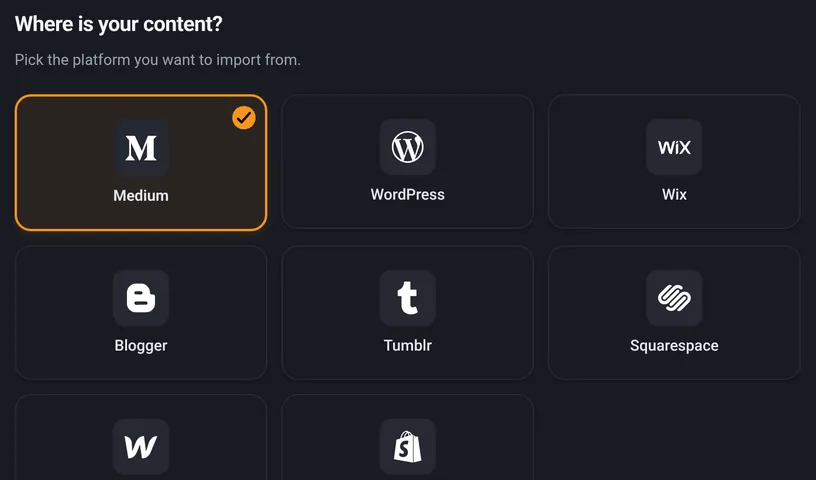
WordPress, Medium, or another source you already use.
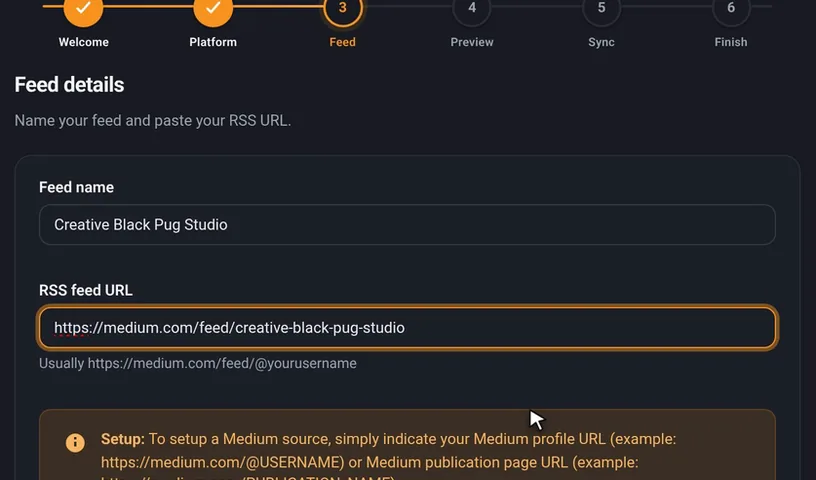
Give the feed a name and paste its URL.
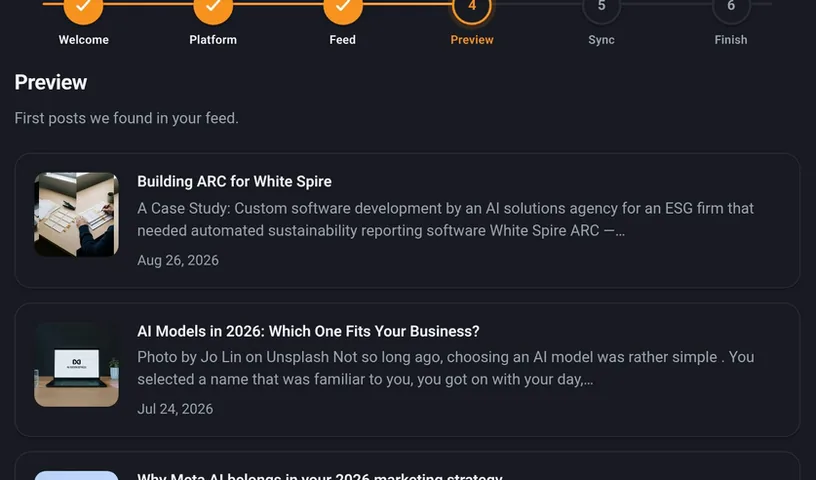
See what will come across before anything syncs.
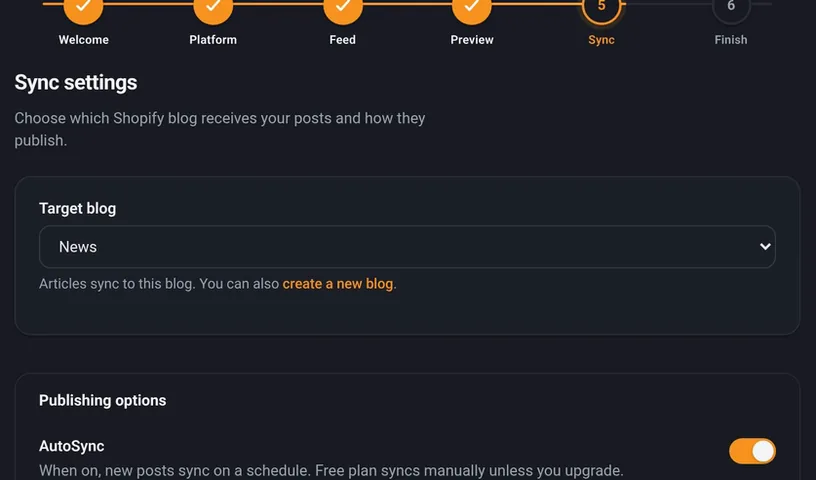
Pick the store blog and how posts publish, then sync.
You choose a plan at the end, and Free needs no card.
Hit "Skip for now" and come back to it from the dashboard.
That's fine. Posts import as normal and stay hidden from shoppers until you open the store.
WordPress, Medium, Webflow, Shopify, Wix, Blogger, Tumblr, and Squarespace.


One thing to know about Squarespace: its RSS feed only shows about the last 10 posts. That limit is on Squarespace's side, so a bigger PugSync plan won't get past it.
Import your posts and AutoSync new ones. Images are hosted on our CDN on Starter and Pro.
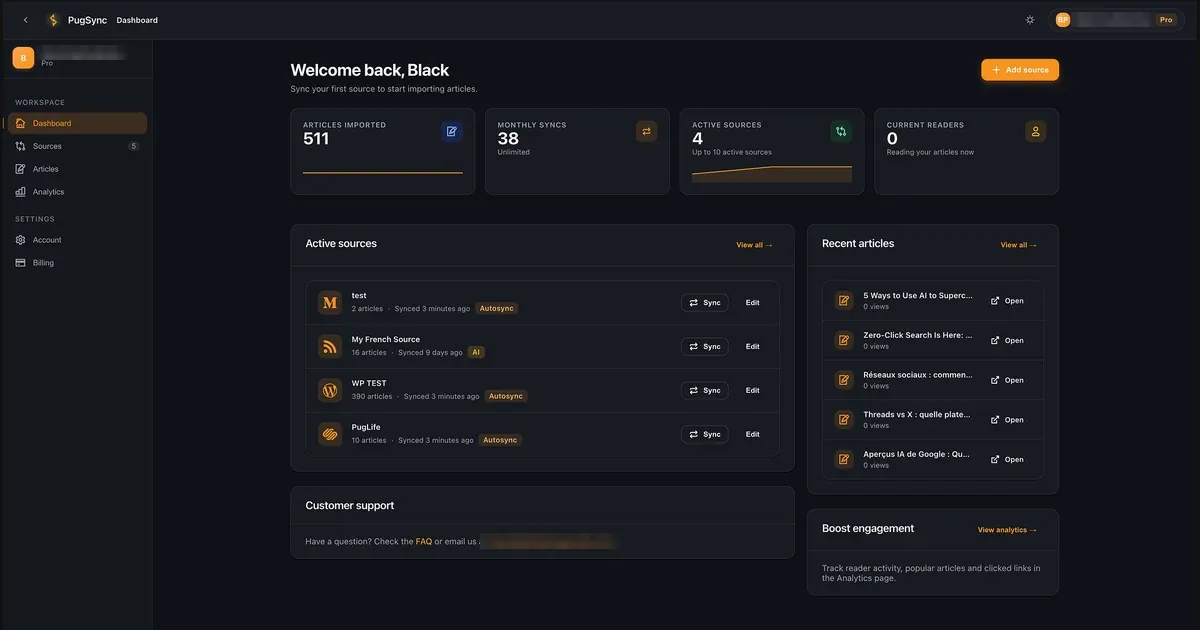
Sync articles from RSS feeds on Squarespace, WordPress, Medium, and other platforms to your Shopify store.
New posts can import on a schedule with AutoSync.
On Shopify Starter and Pro, synced images are hosted on our CDN so they keep loading while PugSync is installed.
Optional on Pro: AI can parse custom or messy feeds. Off by default.
Optional on Pro: translate and localize synced articles. Off by default.
Optional on Pro: generate SEO metadata for synced articles when you enable AI. Off by default.
Choose which Shopify blog each source goes into.
Analytics for synced posts on Starter and Pro.
On Starter and Pro, upload your Medium export ZIP to bring across posts your feed leaves out.
Connect up to 10 RSS feed sources on a paid plan and sync unlimited blog posts from each one.
Imported posts stay in your store if you cancel or uninstall. Images hosted by PugSync are removed within 48 hours of uninstall.
From the Shopify App Store.
Very easy to use and fast customer support! We've got all our articles synchronized and it makes things so much better for our marketing team. Honestly, we didn't see ourselves copy/paste all our publications one by one from Medium. Thank you!
I was a little hesitant at first. There were a number of Medium import apps I attempted to use that didn't work out effectively. This application was great at the beginning and has only become better over time. EXCELLENT value. The development team is also superb. Incredibly helpful and considerate and always focused on the best customer experience. Absolutely a service I look to continue to use in the future.
Try a real import on Free (1 source, 4 articles a month, no card). Starter adds unlimited articles and CDN images. Pro adds optional AI.
Try PugSync on your store. No credit card required.
Unlimited articles, analytics, and image hosting
Optional AI for parsing, SEO, and localization, off by default
Shopify Free: 1 source, 4 articles a month, no card. Starter adds CDN and analytics. Pro adds optional AI (off by default). Imported posts stay in your blog after cancel unless you delete them. Read the full FAQ
If you cancel or uninstall, the posts you imported stay in your store blog. They only go if you delete them, in PugSync or in your Shopify admin.
On Starter and Pro, PugSync hosts the images inside your posts. We remove those images within 48 hours of uninstall, so they stop showing in your posts. Featured images are stored by Shopify and stay. On Free, images link to your original site and aren't affected. Cancelling a plan doesn't remove any images.
Yes. Free gives you 1 source and 4 articles a month. No card. It's a real import into your real store blog, not a demo.
They stay in your store blog. Nothing is removed unless you delete it.
No. AI is only on Pro and it's off by default. Free and Starter don't use it at all.
Yes. Password-protected stores work. Imported posts stay hidden from shoppers until the store opens.

Paste the URL and see a real import on Free. Upgrade when you need more volume. Questions? Email pugsync@blackpugstudio.com.